 16 June 2026
 Share
Share
1
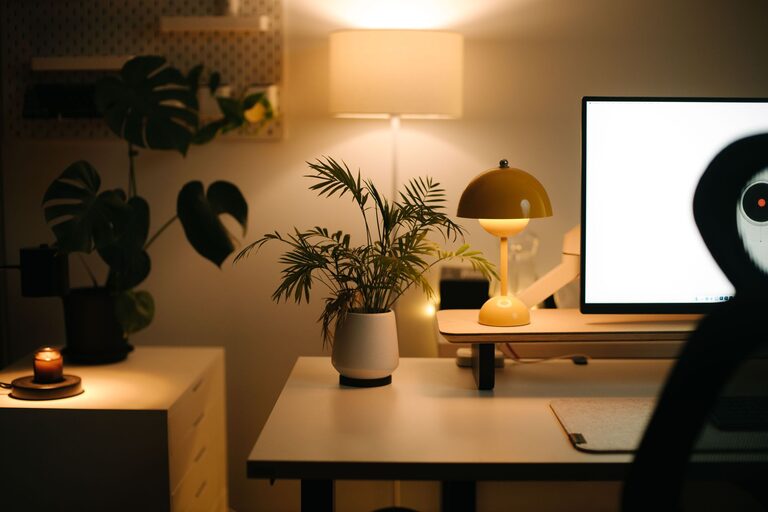
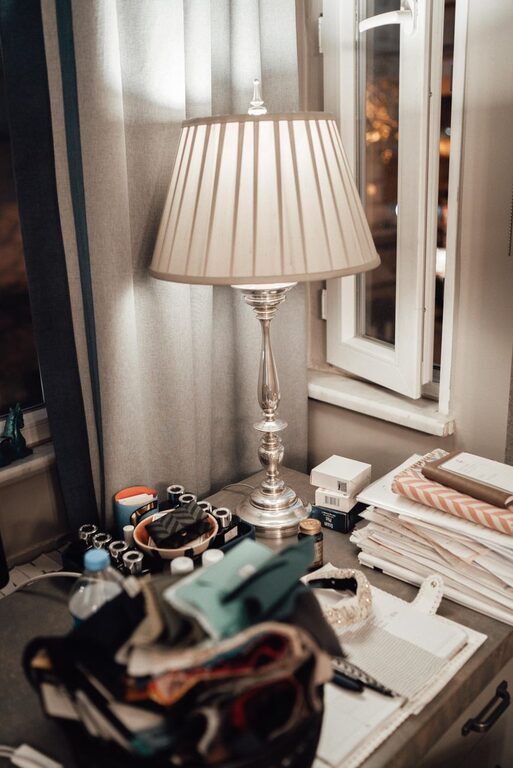
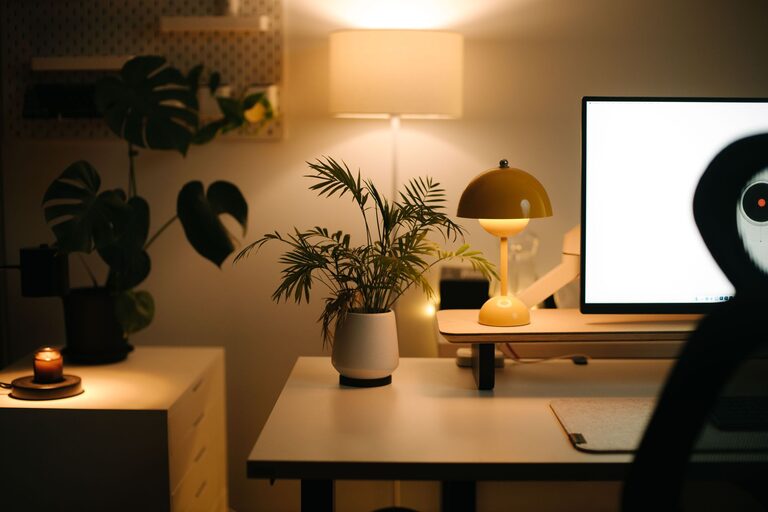
Creating a cozy and inviting home office space is essential for productivity and comfort, especially as more people spend time working from home. A thoughtfully designed workspace can help you stay focused, reduce stress, and make your workday more enjoyable. Whether you are setting up a new office or improving an existing one, these practical tips will guide you in crafting a space that feels welcoming and supports your tasks.
Begin by selecting a quiet, well-lit area in your home. Ideally, find a spot with natural light, such as near a window, since sunlight enhances mood and energy. If natural light is limited, consider full-spectrum light bulbs to replicate daylight. Avoid high-traffic areas where noise or distractions may break your concentration.
Your chair and desk play a crucial role in maintaining good posture and comfort during long working hours. Choose an ergonomic office chair that supports your back and encourages proper alignment. Your desk should be at the right height so that your arms rest comfortably while typing or writing. Adjustable desks that allow you to switch between sitting and standing positions can add flexibility and promote movement.
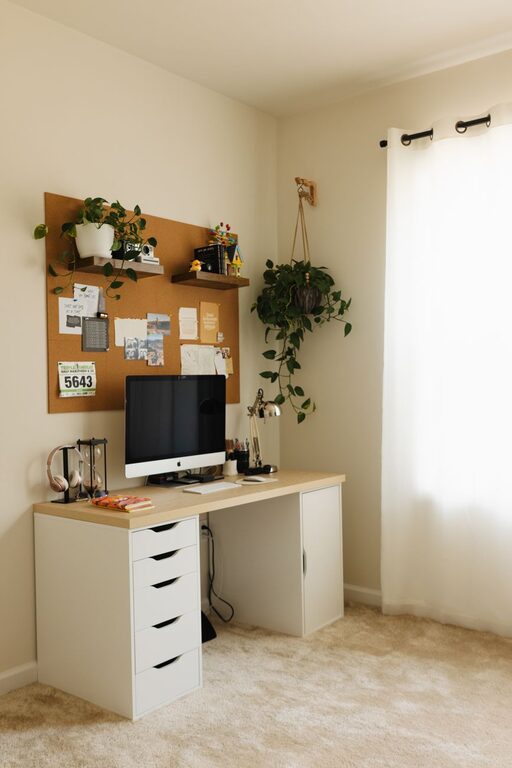
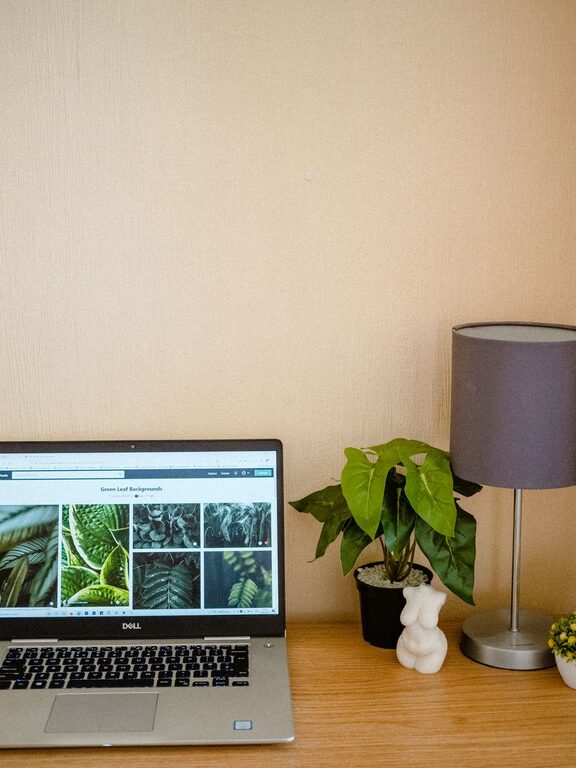
Adding personal touches makes your office feel welcoming. Include items that inspire and uplift you, such as photos, artwork, or motivational quotes. Plants are a fantastic addition—they bring life to the room, improve air quality, and create a calming atmosphere. Keep decorations minimal to avoid clutter, but don’t shy away from expressing your style.
Clutter can distract and stress you out. Use organizers such as shelves, drawers, and file holders to keep your desktop tidy. Label files and use storage boxes to separate work materials by category. When everything has a place, it’s easier to stay focused and efficient.
The colors and textures you include affect your mood and productivity. Soft, neutral colors like light blues, greens, greys, or beige promote calmness and focus. Consider adding cozy textiles, such as a cushioned rug or a soft throw, to add warmth and comfort to your office.
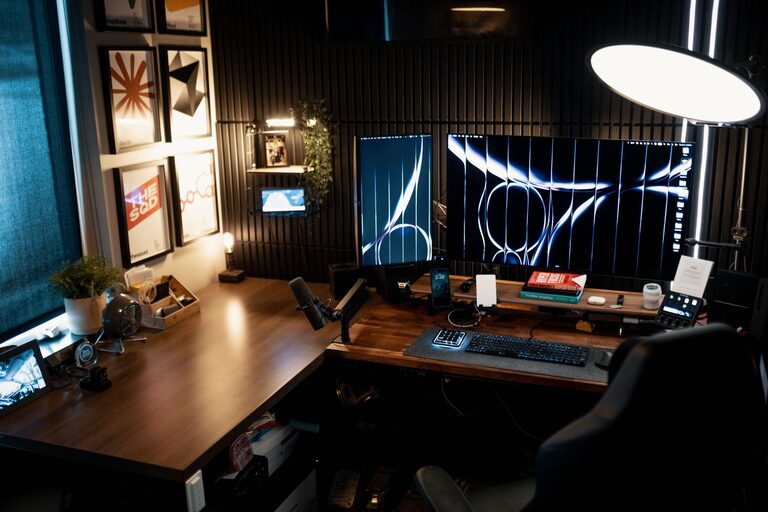
Make sure your technology setup supports your work without frustration. Position your computer screen at eye level to reduce neck strain. Use wireless devices to minimize cables, but have essential cables neatly secured with clips or ties. Include a good-quality headset or speakers to attend virtual meetings clearly.
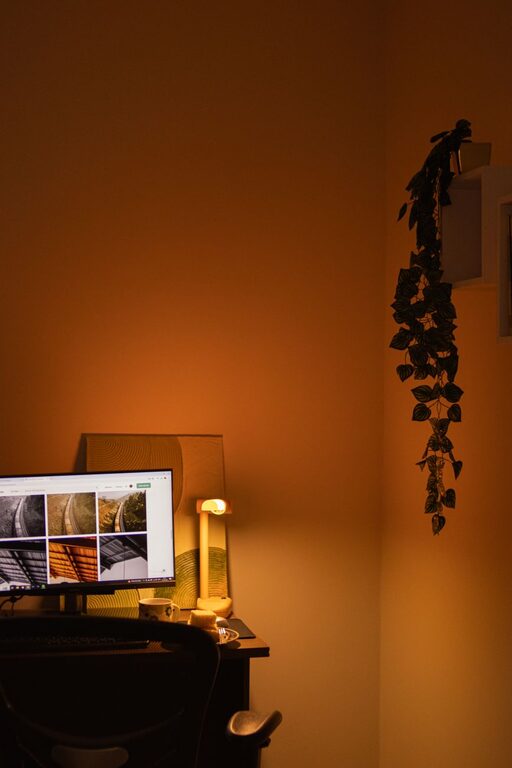
In addition to natural or overhead lighting, add a desk lamp with adjustable brightness and color temperature. This way, you can reduce eye strain and adjust lighting according to tasks like reading, writing, or computer work.
If space permits, design distinct zones for various activities, such as a reading nook or brainstorming corner. A comfy chair with a small side table can serve as a spot for reflection or brainstorming away from the desk.
Consider using noise-cancelling headphones if you are in a shared household. Alternatively, soft background music, white noise machines, or soundproofing measures like heavy curtains or rugs can help reduce distractions and create a peaceful environment.
Set regular hours and maintain a routine that signals your brain it’s work time. Remember to vent the room by opening windows daily or use an air purifier to keep the air fresh. A clean and fresh environment supports your health and mindset.
—
Creating a cozy and inviting home office doesn’t have to be complicated. With intentional choices around location, furniture, lighting, and personal touches, you can cultivate a space that nurtures focus and wellbeing. Try implementing these tips one at a time and adjust based on what feels most comfortable and productive for you. Your ideal workspace awaits!