 16 June 2026
 Share
Share
1
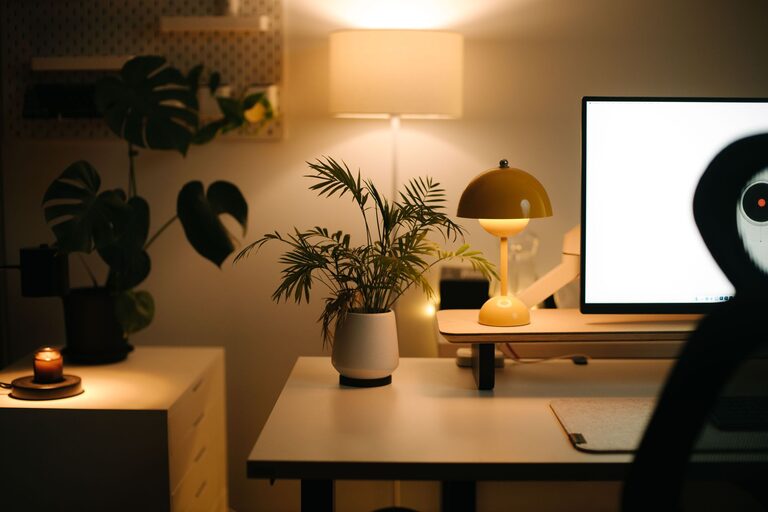
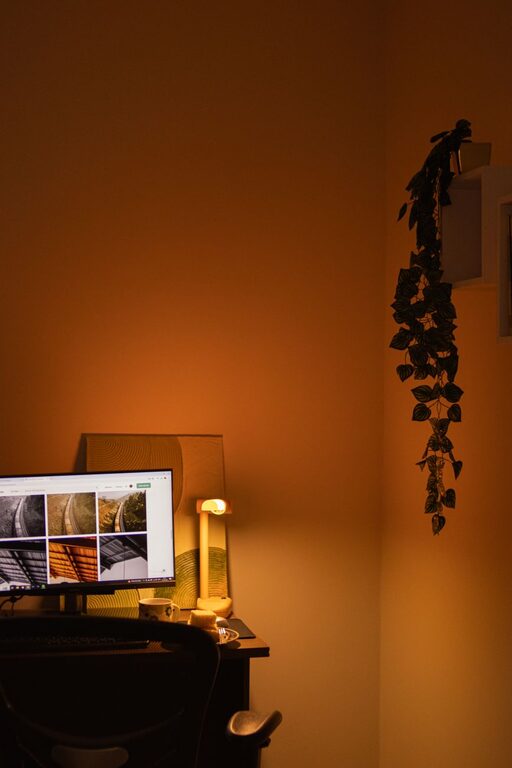
Creating a home office that is both cozy and functional can greatly improve your comfort and productivity. Whether you work remotely full-time or need a dedicated space for occasional projects, a well-designed office can help you stay organized and inspired. Here’s a comprehensive guide to setting up a home office that feels inviting and works for your needs.
Before you start decorating or buying furniture, think about how you will use your home office. Consider the following:
– Available Space: What room or area can you dedicate to work? This could be a spare bedroom, a corner in your living room, or even a nook under the stairs.
– Type of Work: Do you need a computer setup, space for writing, room for art supplies, or storage for files and books?
– Daily Routine: Will you be spending long hours here or just brief periods? Your setup should reflect how much time you’ll spend at your desk.
Knowing these details will help you plan a space that suits your lifestyle and work demands.
Comfort is key when selecting your main furniture pieces. A good desk and chair can reduce fatigue and promote better posture.
– Desk Size: Ensure the desk fits your equipment and allows room to work comfortably. If space is tight, consider a wall-mounted desk or one with built-in shelves.
– Ergonomic Chair: Invest in a chair with adjustable height, lumbar support, and comfortable cushioning to prevent strain during long sessions.
– Desk Height: Your desk should be at a height where your arms rest naturally parallel to the floor.
Ergonomic furniture not only supports your body but also encourages longer, more focused work periods.
Lighting affects mood and eye strain, so a balanced mix of natural and artificial light is important.
– Natural Light: Position your desk near a window to take advantage of daylight. This boosts energy and reduces reliance on artificial light.
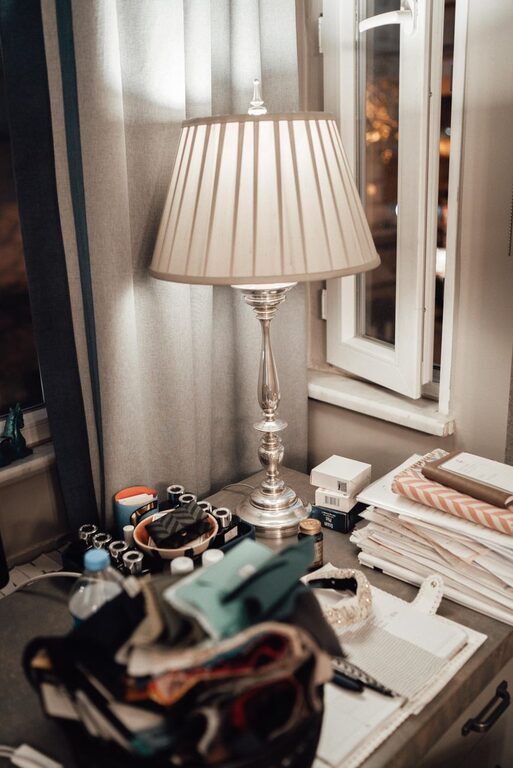
– Task Lighting: Use a desk lamp with adjustable brightness and color temperature. Warmer tones can create a cozy feeling, while cooler light is better for detailed tasks.
– Ambient Lighting: Complement task lighting with overhead lights or floor lamps to avoid harsh shadows.
Consider using blinds or curtains to control glare without losing natural light.
Clutter can hinder productivity and make your space feel cramped. Implementing effective storage helps keep everything in its place.
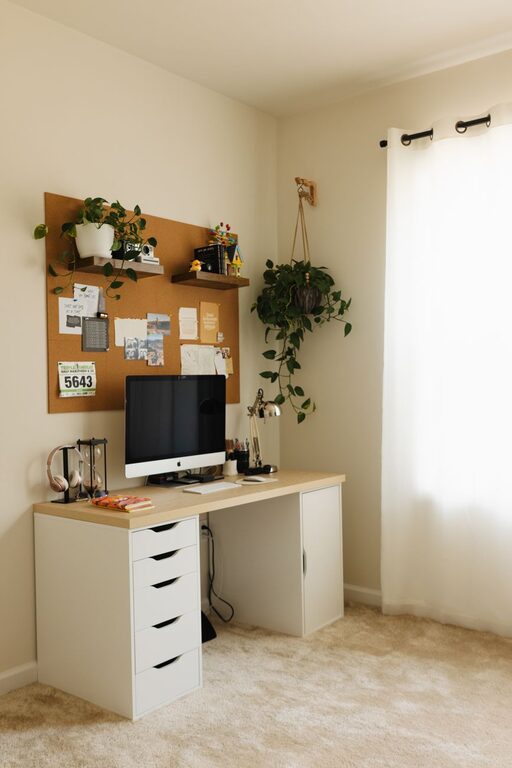
– Shelves and Cabinets: Use wall shelves or small cabinets to store books, supplies, and files without taking up floor space.
– Drawer Organizers: Keep small items like pens, paper clips, and chargers neatly sorted.
– Cable Management: Use clips or sleeves to manage cords and keep your desk surface tidy.
A well-organized office reduces distractions and makes it easier to focus.
A cozy office feels welcoming and is more enjoyable to spend time in. Add elements that reflect your style and make the space feel like your own.
– Color Scheme: Choose calming colors like soft blues, greens, or neutrals to create a relaxing environment.
– Textiles: Incorporate cozy rugs, cushions, or throws to soften the space.
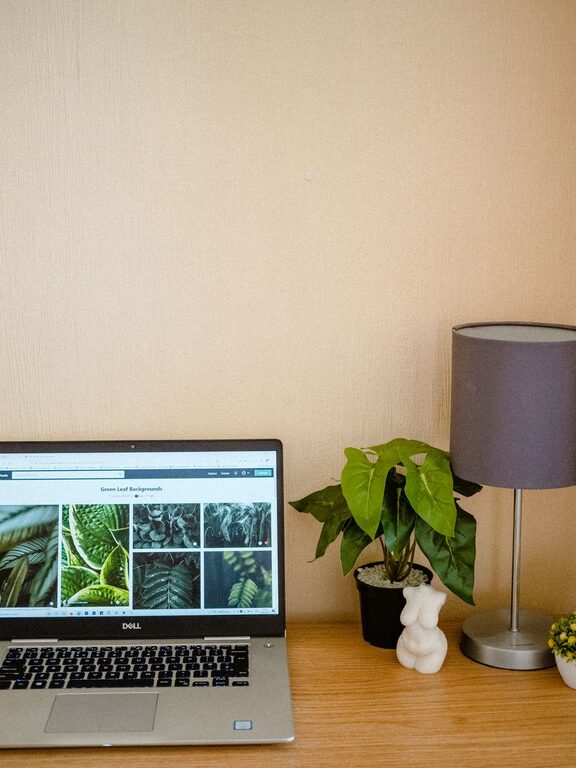
– Plants: Bring in some greenery to improve air quality and add a natural vibe.
– Artwork and Photos: Decorate walls or shelves with pieces that inspire and motivate you.
Personal touches help you feel connected to your space, making work feel less like a chore.
If your office space is large enough, consider creating areas for various tasks.
– Workstation: Your main desk for computer work or writing.
– Reading or Thinking Spot: A comfortable chair or small sofa for reading, brainstorming, or taking breaks.
– Storage Zone: Dedicated shelves or cabinets for supplies and documents.
Separating activities can improve focus and prevent burnout.
Make sure your technology setup supports your work without adding clutter.
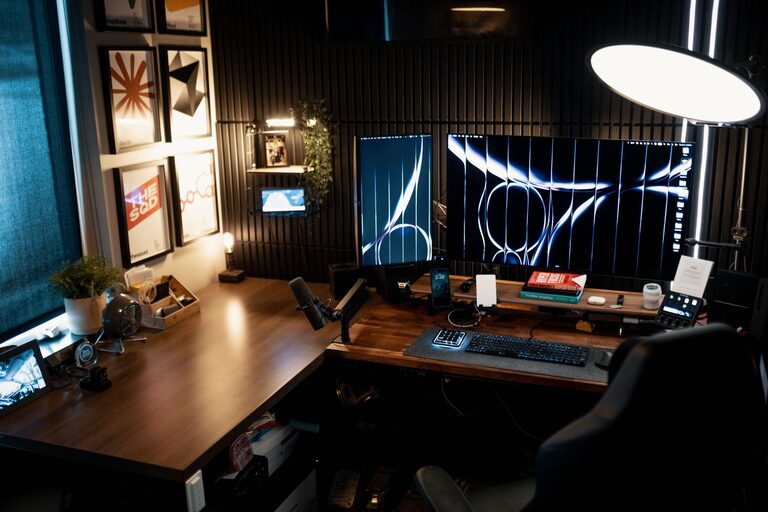
– Monitor Stands: Elevate screens to eye level for better posture.
– Docking Stations: Simplify connections for laptops and peripherals.
– Wireless Devices: Use wireless keyboards and mice to reduce cable mess.
– Noise-Cancelling Headphones: These help block distractions in shared or noisy spaces.
Plan your tech to enhance efficiency and comfort.
A comfortable environment includes good air flow and temperature control.
– Ventilation: Open windows when possible or use air purifiers.
– Heating/Cooling: Use fans or space heaters if central HVAC does not maintain comfort.
– Humidity: Keep humidity at comfortable levels to prevent dryness.
Fresh air and the right temperature improve concentration and well-being.
Your needs may change over time, so design your home office to be flexible.
– Modular Furniture: Use pieces that can be rearranged or expanded.
– Adjustable Lighting: Lighting options you can dim or brighten as needed.
– Mobile Storage: Rolling carts or portable organizers for convenience.
Flexibility ensures your office grows with you.
—
Setting up a cozy and functional home office is about balancing comfort, organization, and practicality. With the right furniture, lighting, and personal touches, you can create a space that inspires productivity and makes work feel more enjoyable. Start simple, focus on your needs, and transform your workspace into a place you look forward to using every day.